
If you typed "can Stripe accept M-Pesa" into a search bar, you probably have a Stripe integration you like and a Kenyan customer who just asked how to pay with their phone.
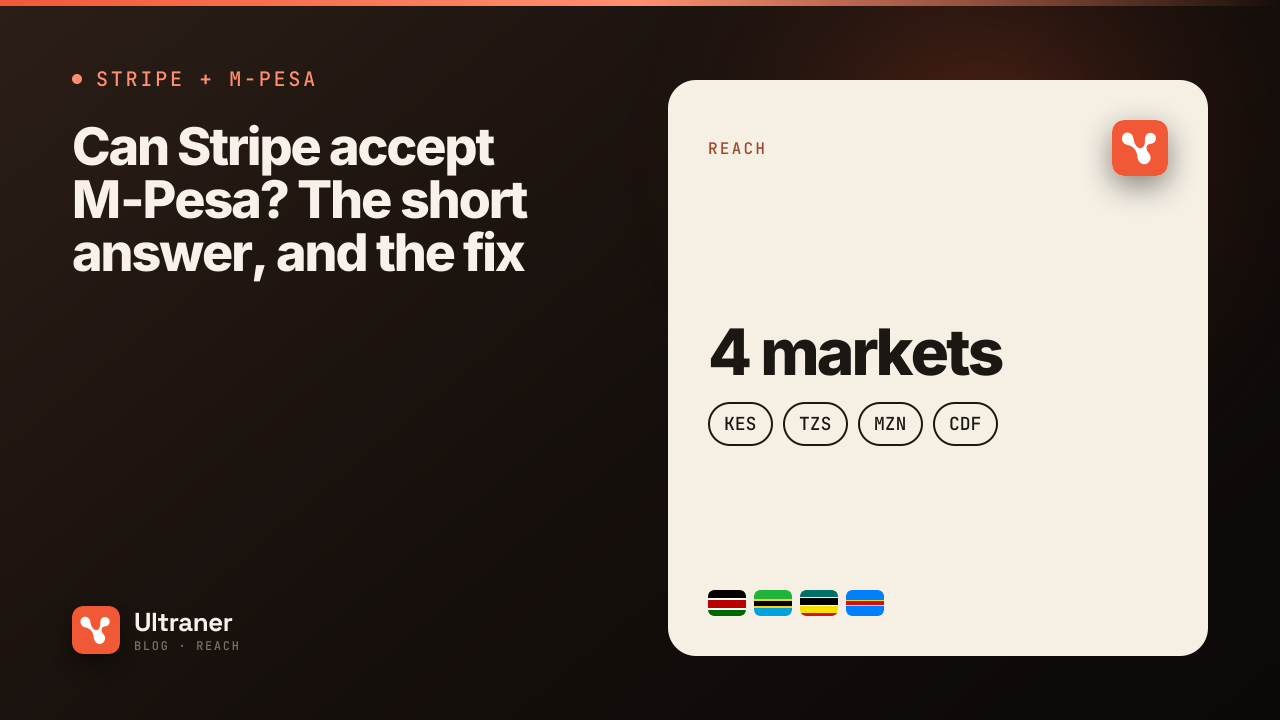
The short answer: check Stripe's payment methods overview 1, because that list is the source of truth and it changes. At the time of writing, M-Pesa is not on it. Stripe processes cards, a long list of wallets and a set of local methods, but not Kenyan mobile money.
The longer answer is more useful. You do not have to choose between Stripe and M-Pesa. You keep Stripe for cards and add M-Pesa next to it.
Why M-Pesa is not "just another wallet"
Apple Pay and Google Pay sit on top of cards. When a customer taps Apple Pay, a card network is still doing the work underneath. That is why a card processor can add them relatively easily.
M-Pesa is not on top of a card. It is its own system of stored value, run by Safaricom in Kenya, with its own accounts, its own authorisation (a PIN on the customer's phone), its own limits and its own settlement. The Central Bank of Kenya publishes mobile payment statistics monthly, and the volumes are those of a primary national payment system, not an add-on 3.
To take M-Pesa, someone has to hold a connection to that system and handle the prompt, the confirmation and the money that lands at the end. That someone is not your card processor.
One more thing: there is more than one M-Pesa
"M-Pesa" is a brand used by separate businesses in separate countries:
- M-Pesa (Safaricom) in Kenya, in KES.
- M-Pesa (Vodacom) in Tanzania, DR Congo and Mozambique, each in its own currency.
A Kenyan M-Pesa wallet and a Tanzanian M-Pesa wallet are different accounts on different systems. When a customer says "I pay with M-Pesa", the useful follow-up question is "which country is your number in?". Ultraner reads that from the phone number's prefix and routes to the right rail, so your code does not have to.
The setup that works: Stripe for cards, Ultraner for mobile money
Ultraner processes cards through Stripe and adds mobile money alongside, in one API. There is no special Stripe plugin or partnership involved. It is one charge endpoint where the method decides the rail:
POST /v0/payments/charge
X-API-Key: uk_live_...

// mobile money, USSD push, no redirect
{ "method": "mobile_money", "amount": 50000, "phone": "255712345678", "provider": "Airtel" }

// card (Stripe), needs return_url/cancel_url
{ "method": "card", "amount": 50000, "currency": "TZS", "description": "Order #42",
  "return_url": "https://your-app.com/success", "cancel_url": "https://your-app.com/cancel" }
That example is straight from our docs and uses a Tanzanian number. A Kenyan number is routed the same way: the country comes from the prefix, the network from the provider, and the request shape does not change.
For mobile money, the customer gets a prompt on their phone and approves with their PIN. Nothing redirects. For card, you get a redirectUrl to Stripe's hosted checkout, and Ultraner never sees the card number.
If you would rather not build the selection screen at all, a hosted checkout session shows the customer every method that applies, mobile money, card and PayPal, and lets them pick.
What about your existing Stripe account?
Two reasonable patterns, depending on how attached you are to your current setup.
Keep your Stripe account for cards, add Ultraner for Africa. Your US and European customers keep paying through your existing Stripe integration. Your checkout detects an African country (from the billing country or the phone number) and offers mobile money through Ultraner. Two providers, two dashboards, one clear rule about who handles what.
Route African customers entirely through Ultraner. For those customers, Ultraner handles mobile money and cards (via Stripe) and PayPal, so one balance and one webhook stream holds all your African revenue. This is cleaner if you want a single report of what Kenya earned this month.
Neither requires a migration. Your Stripe subscriptions do not move.
The currency question
Stripe presents most currencies directly and publishes the list, including which are zero-decimal 2. Ultraner's card flow uses that: for most currencies the card is charged in the buyer's own currency. Where Stripe cannot present a currency, Ultraner charges the card in USD at a live rate and still credits you the exact local amount.
For M-Pesa in Kenya, the charge is in KES, from a KES wallet, into a KES balance. No conversion until you settle to your own bank, which you can do worldwide by wire. Rates are public on /fx.
Costs, honestly
Ultraner charges nothing on collections. The underlying mobile money charge is real and varies by market: Kenya prices in tiers rather than a flat percentage, and the API will quote the exact fee for a specific payment before you take it. Money leaving Ultraner to your bank carries a flat 3%, plus 1% for an international transfer outside the United States. All of it is on pricing.
Quick answers
Can Stripe accept M-Pesa? Not per its own methods list at the time of writing. Check the list 1.
Can I accept M-Pesa without a Kenyan company? You need a provider that holds the M-Pesa connection and can settle to you. Ultraner settles to bank accounts anywhere.
Do I lose Stripe if I add Ultraner? No. Cards through Ultraner are processed by Stripe, and your own Stripe account can keep doing what it does.
Which other mobile money networks can I add at the same time? In Kenya, Airtel Money and T-Kash. Across the 14 live markets, MTN MoMo, Orange Money, Wave and others. The Kenya page lists what works there today.
Start in sandbox with a uk_test_ key. Every method, card included, can be exercised without a real card or a real phone.