
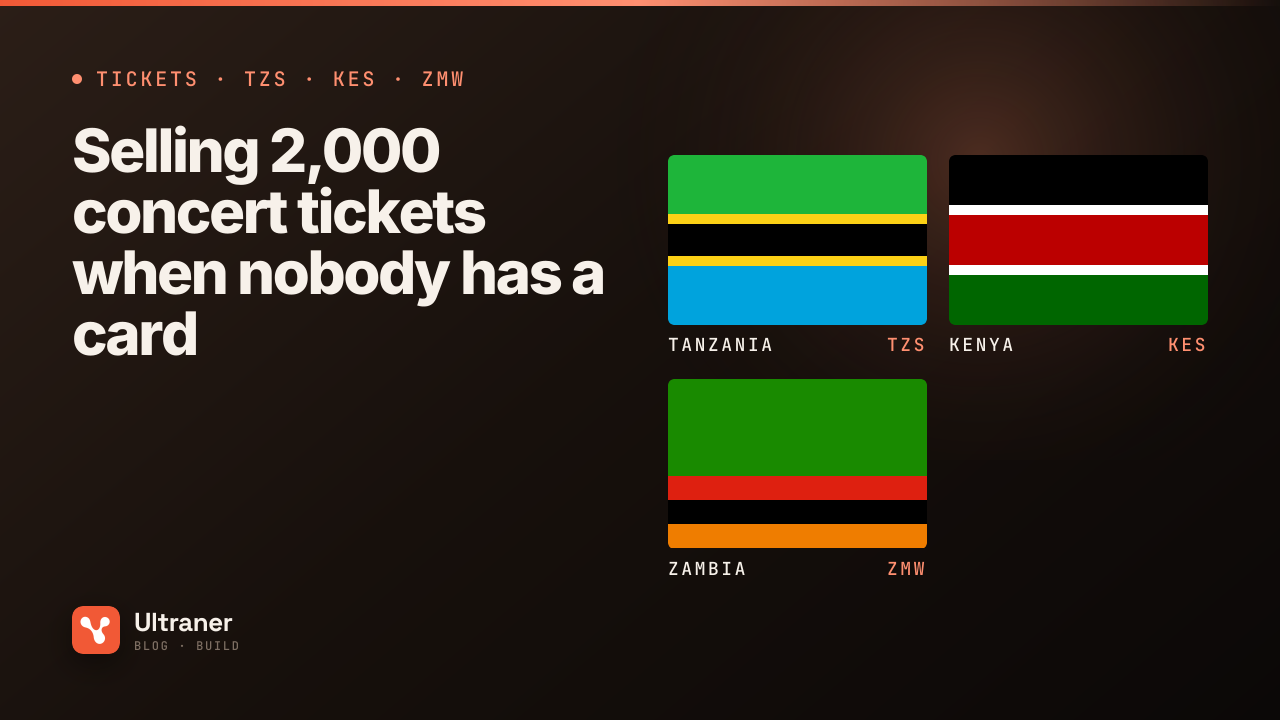
For years, the honest answer to "how do I buy a ticket?" for a show in Dar es Salaam or Nairobi was "find the guy with the receipt book". Tickets sold for cash at a shop, a radio station or a promoter's car, with a paper stub and a lot of trust.
Online ticketing promised to fix that and, at first, mostly did not, because it asked for a card. The audience for a TZS 30,000 Bongo Flava show or a KES 2,000 comedy night pays from a phone. The GSMA's reports have tracked mobile money becoming the default way money moves across East Africa 1, and the World Bank's Findex shows how widely adults there hold a mobile money account compared with a card 2. Ticketing that works in these markets starts from the wallet.
Here is how to run a sale of 2,000 tickets on mobile money, from price list to venue payout. The event is hypothetical. The mechanics apply to a church conference, a marathon, a school fundraiser dinner or a festival.
Before the sale: price in round local numbers
Tickets sell in the currency of the city, at numbers that are easy to say out loud on the radio.
| City | Regular | VIP |
|---|---|---|
| Dar es Salaam | TZS 30,000 | TZS 100,000 |
| Nairobi | KES 2,000 | KES 7,500 |
| Lusaka | ZMW 250 | ZMW 900 |
Two technical notes before anyone writes code. TZS is sent to the API as a whole number, so TZS 30,000 is 30000. KES and ZMW have two decimal places, so KES 2,000 is 200000 and ZMW 250 is 25000. A ticketing platform that serves more than one country must read decimals per currency. A wrong multiplier on sale day is a very public bug.
Then decide about fees. Network charges differ by market, and in some, Tanzania and Zambia among them, the buyer's own network charges the buyer as well. Either absorb fees into the ticket price or show them clearly before payment. A fee that appears on the prompt and not on your page feels like a trick.
The simplest setup: one link per ticket type
If you are a promoter, not a software company, you may not need an integration at all. Create one payment link per ticket type, "Regular, 30,000" and "VIP, 100,000", and share them. Each opens a hosted checkout with mobile money for local buyers and card (processed through Stripe) or PayPal for buyers paying from abroad. A QR code that opens the link works on posters and flyers.
That handles collection. What it does not do on its own is issue a ticket, which is where most promoters need a little software, or a ticketing platform built on the API.
The integrated setup: order, prompt, ticket
A ticketing system built on Ultraner runs this loop for each buyer:
- The buyer picks a ticket type and quantity. You reserve those seats for a few minutes so they cannot be sold twice.
- The buyer enters their phone number. You normalise it (
255...,254...,260...) and the network picker shows that country's wallets: in Tanzania, M-Pesa (Vodacom), Mixx by Yas, Airtel Money, Halopesa, TTCL T-Pesa and AzamPesa; in Kenya, M-Pesa (Safaricom) first; in Zambia, MTN MoMo, Airtel Money and Zamtel Kwacha. - You send the charge. The response is
pending. The buyer approves on their phone. - On
payment.success, you issue the ticket: a unique code, shown on screen and sent by SMS, with a QR that encodes it 3. - On
payment.failed, you release the reservation.
POST /v0/payments/charge
{ "method": "mobile_money", "amount": 60000, "phone": "255754123456", "provider": "Airtel" }
That is two Regular tickets in Dar es Salaam. Store the transaction_id against the order. It is your proof of payment when someone turns up at the gate with a screenshot.
On-sale day: design for the rush
The first hour of a popular sale is when everything is tested at once. Four things help:
Make reservations expire, but not too fast. A mobile money prompt can take a minute or two to approve, and Ultraner closes an unanswered prompt as failed after 10 minutes. If your seat hold is shorter than the time a real buyer needs, you will sell their seat while they are typing their PIN. Hold for at least the prompt window, and show a countdown.
Handle late confirmations. Occasionally a network confirms a payment after the prompt was closed as failed. You will receive payment.success for the same transaction_id. If the seat was released and resold, you now have a paid buyer and no seat. Keep a small reserve of tickets for exactly this, or issue a refund automatically.
Never sell from the browser's word. Issue tickets only from a verified webhook, never from a redirect or a "paid" message the browser reports.
Let a failed buyer retry in one tap. Most failures on sale day are a buyer who missed the prompt. Resend it on the same order rather than making them start again.
At the gate: tickets that cannot be copied
A QR on a screenshot can be shared. The ticket is not the image, it is the code in your database. At the gate, scan the QR, look the code up, and mark it used. A second scan of the same code shows "already admitted" with the time. That one check stops most ticket fraud, and it works on a cheap phone with a scanning app and a data connection.
Have a fallback for gates with no signal: a printed list of codes and names, or an offline-capable scanner that syncs later.
Refunds when the show moves
Events get postponed. When they do, decide quickly between honouring tickets for the new date and refunding. If you refund mobile money payments, the rail serving most markets outside Tanzania returns money to whoever paid, addressed by the original transaction_id, so there is no phone number to get wrong. Check what is refundable before you promise. A full refund still leaves you down by the original collection fee, which is worth knowing before you announce "full refunds for everyone".
After the show: paying the venue and the artists
Ticket money collects in your balance. To pay the venue, the sound company and the artists:
- In Tanzania, wallet payouts are live, so you can pay a sound engineer's M-Pesa or a security team's wallets directly, up to 500 people in one payroll batch.
- In Kenya and Zambia, wallet payouts are not live yet. Settle to your bank account and pay from there. Settlement to your own bank works in any country.
A run sheet for your next event
- Prices set in round local numbers, decimals right per currency.
- Fees decided and shown before payment.
- Seat holds at least as long as the prompt window.
- Tickets issued only on a verified
payment.success. - A reserve for late confirmations.
- Gate scanning that marks codes used.
- Refund policy written before the sale opens.
For a no-code start, the sell tickets page shows what a link-based setup looks like, and the Tanzania payments page lists every wallet a Dar es Salaam crowd will pay with.